
Fleet Technology
Fleet Management Software: A Guide for Transporters
By ATTPL Fleet · · 3 min read
What fleet management software does for Indian transporters: trips, GPS, fuel, maintenance, documents, driver records and costs — and how to choose one.
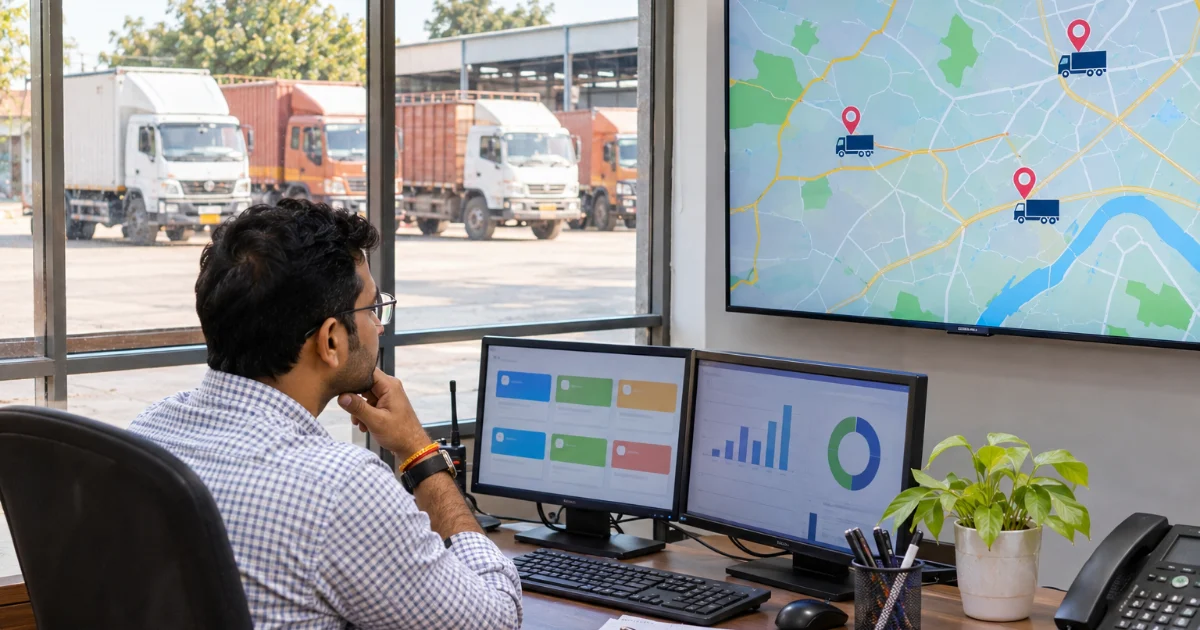
From diaries and spreadsheets to one system
Many transport businesses in India still run on phone calls, paper trip sheets, WhatsApp messages and spreadsheets. That works for a few trucks, but as the fleet grows the gaps show: diesel bills that do not match trips, documents that expire unnoticed, maintenance done only after a breakdown, and no clear picture of which routes or customers actually make money. Fleet management software brings these records together so that owners and managers can see the whole operation in one place.
Software is not magic. It works when the data entered is accurate and when the team uses it every day. But for a fleet of even ten or fifteen vehicles, a well-chosen system usually pays for itself through lower fuel waste, fewer breakdowns and better billing.
Core features to look for
- Trip management: create trips, assign vehicles and drivers, record loading and unloading times and proof of delivery.
- Live tracking: GPS integration to see where each vehicle is, with alerts for stoppages and route deviation; see our GPS vehicle tracking guide.
- Fuel management: record fuel purchases, compare consumption against distance and flag unusual patterns.
- Maintenance scheduling: service reminders by kilometres or date, tyre records and repair history.
- Document tracking: registration, permits, fitness, insurance and pollution certificates with expiry alerts.
- Billing and costing: trip-wise revenue and cost, customer invoices and profitability reports.
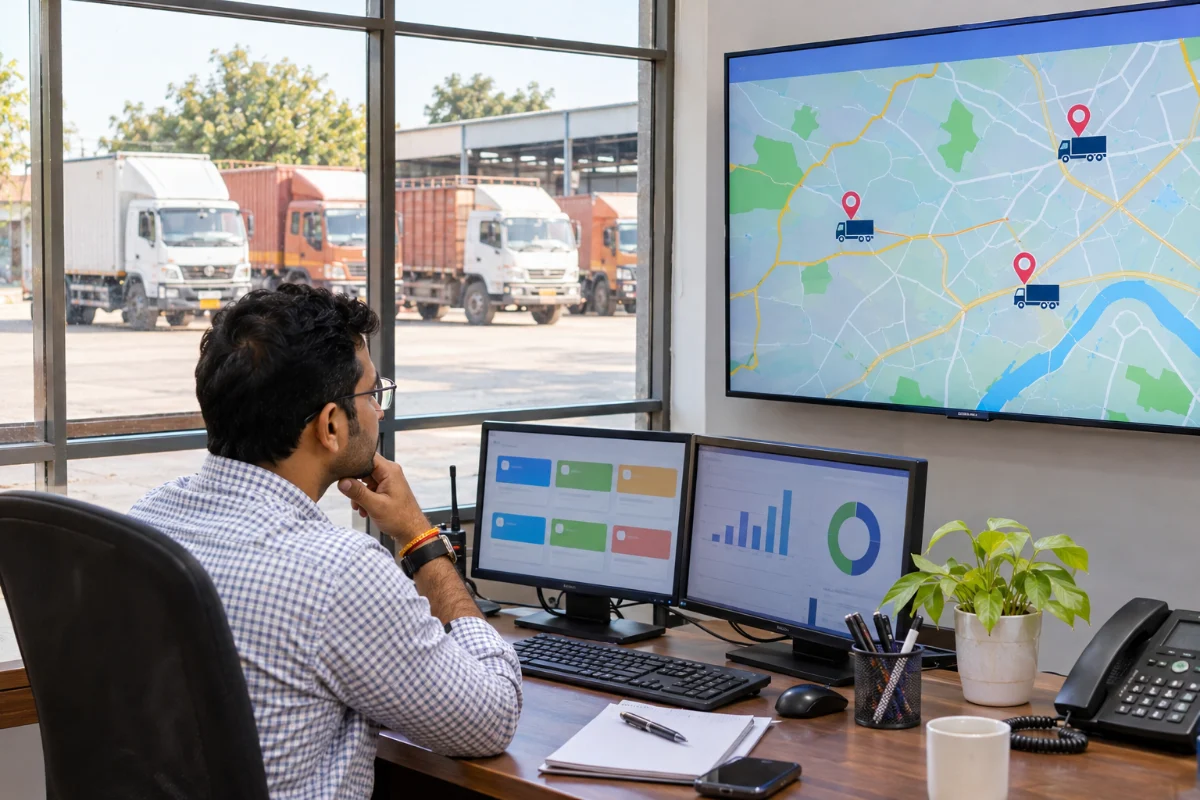
Driver and compliance records
Drivers are the heart of any fleet. A good system keeps licence details, training records, trip history and incidents for every driver, and reminds managers when a licence or medical certificate needs renewal. Combined with e-way bill and document checks, this reduces the risk of vehicles being held up at checkpoints. Our e-way bill checklist and driver safety training checklist cover the paperwork and safety side, and HR records and payroll for drivers can be managed in ATTPL WorkforceOS.
Reports that actually help decisions
The real value of software lies in reports that answer simple questions quickly:
- Which vehicles have the highest cost per kilometre?
- Which routes and customers are most and least profitable?
- How many days was each truck idle last month, and why?
- Which drivers have the best fuel efficiency and safety record?
Review a few of these numbers every week with your operations team. Small corrections — a better route, a faster turnaround at a customer site, timely tyre replacement — add up over a year.
How to choose a system
- Start with your biggest problem — fuel, billing, breakdowns or visibility — and check how well each product solves it.
- Ask for a trial with a few of your own vehicles and routes.
- Check the mobile app for drivers: it must work in local languages and with weak network coverage.
- Confirm integrations with your GPS devices, fuel cards and accounting software.
- Compare total cost: licence fees, devices, installation and training.
Custom requirements, such as integration with an ERP or a customer portal, can be built by ATTPL IT. Customer enquiries and repeat bookings can be tracked in ATTPL CRM, and vehicle loans for fleet expansion are explained by ATTPL Finance.
Rolling it out smoothly
Begin with a pilot on a few vehicles, clean up your master data (vehicles, drivers, customers, routes) and train supervisors before drivers. Set one person as the owner of the system, and review usage weekly in the first two months. Once the basics run smoothly, add advanced features step by step. For dedicated fleet solutions for projects and businesses, contact us.
Frequently asked questions
Is fleet management software useful for a small fleet?
Yes. Even fleets of ten to fifteen vehicles benefit from better fuel control, maintenance reminders, document alerts and trip-wise costing.
What is the difference between GPS tracking and fleet management software?
GPS tracking shows where vehicles are. Fleet management software adds trips, fuel, maintenance, documents, drivers, billing and reports.
How long does it take to implement fleet software?
A basic rollout with clean data and a pilot can be done in a few weeks; advanced integrations take longer.